



AI Video GenerationVideo Generation Settings
Configure your model, prompt, and video output
Reference Image (Optional)
Video Preview
Social Video AI for Reels, TikTok & Shorts
Turn a text prompt or reference image into a short video with Social Video AI. Create vertical clips for Reels, TikTok and YouTube Shorts, explore different models, and download the result for your next edit.
How Social Video AI Turns Ideas into Clips
Social Video AI brings text-to-video and image-to-video tools into one browser workspace. Start with a focused scene, select an available model and format, then review the generated clip before using it in your content.
- 1. Describe a SceneWrite what viewers should see: the subject, action, setting and camera movement. Or upload a reference image to guide the starting visual.
- 2. Choose Your Video SettingsPick a supported model, aspect ratio and resolution. Social Video AI shows the generation cost so you can compare settings before using your credits.
- 3. Generate, Review and DownloadSubmit your prompt, follow the task status and preview the result. Download a clip you like, or refine the brief for another attempt.
Why Create with Social Video AI?
A useful social clip begins with a clear idea. Keep control of the scene and format while AI handles the initial generation, leaving you time to review the details that matter.

Your Social Video AI Workflow, Step by Step
Make a short clip with one purpose: introduce an idea, show a product or set the mood. This repeatable workflow helps you compare creative directions without overcomplicating the prompt.
Social Video AI Features for Everyday Creation
Work with the generation controls already in the workspace. Model capabilities vary, so check the settings shown for your selection before starting a task.
Text-to-Video Prompts
Create a clip from a written scene with Social Video AI. Describe the subject, lighting, action and camera direction to give the generator a clear starting point.
Image-to-Video Generation
Animate a still image with a movement prompt. Reference images can guide the visual direction, but generated details may change and should be reviewed.
Multiple Model Options
Compare the available video models within Social Video AI. Choose according to supported inputs, duration, resolution and credit cost rather than assuming every model behaves the same.
Vertical and Landscape Video
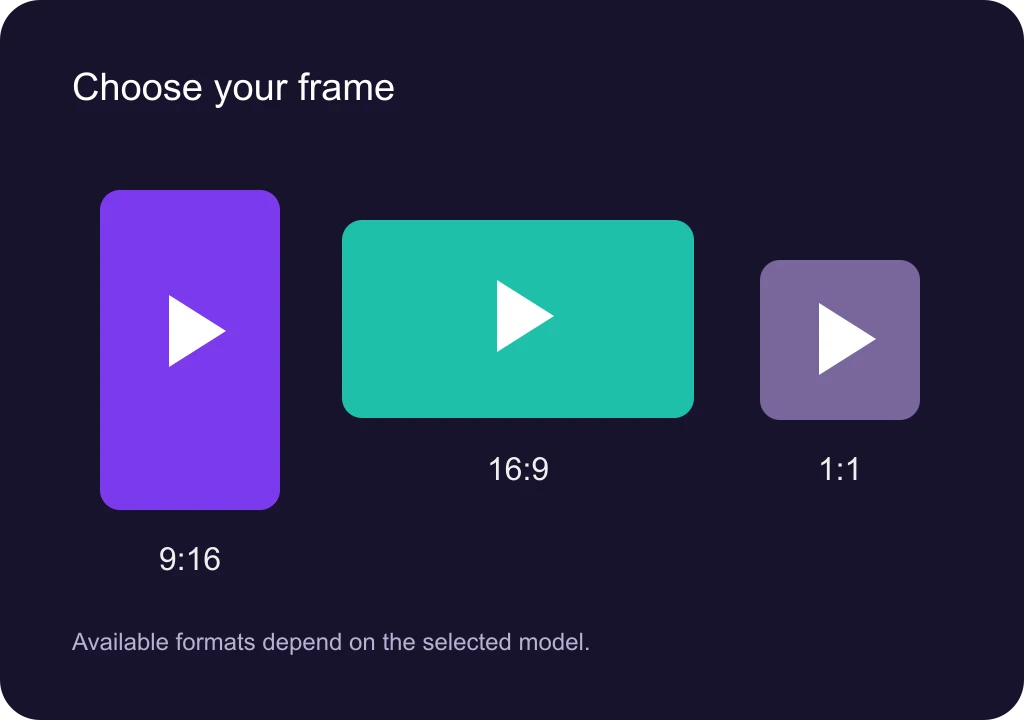
Use 9:16 for a mobile-first composition or 16:9 for a wider frame. Additional ratios are available with some models; the controls show the supported choices.
Visible Credit Costs
Review the cost before generating. Social Video AI uses credits, and the required amount changes with the model and output settings. New attempts can consume additional credits.
Preview and Download
Track an active generation, preview the completed clip and download the result. Continue editing in your preferred app before uploading to your social account.
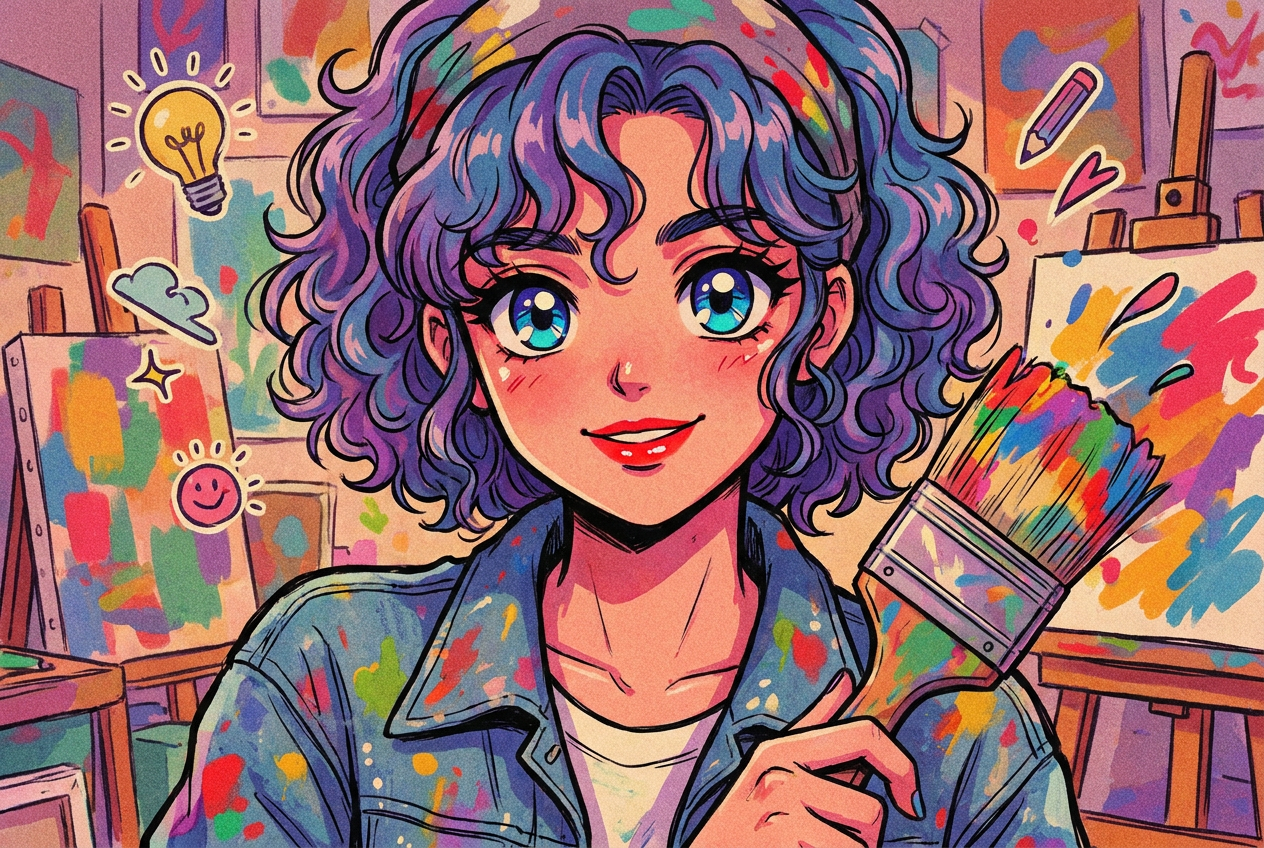
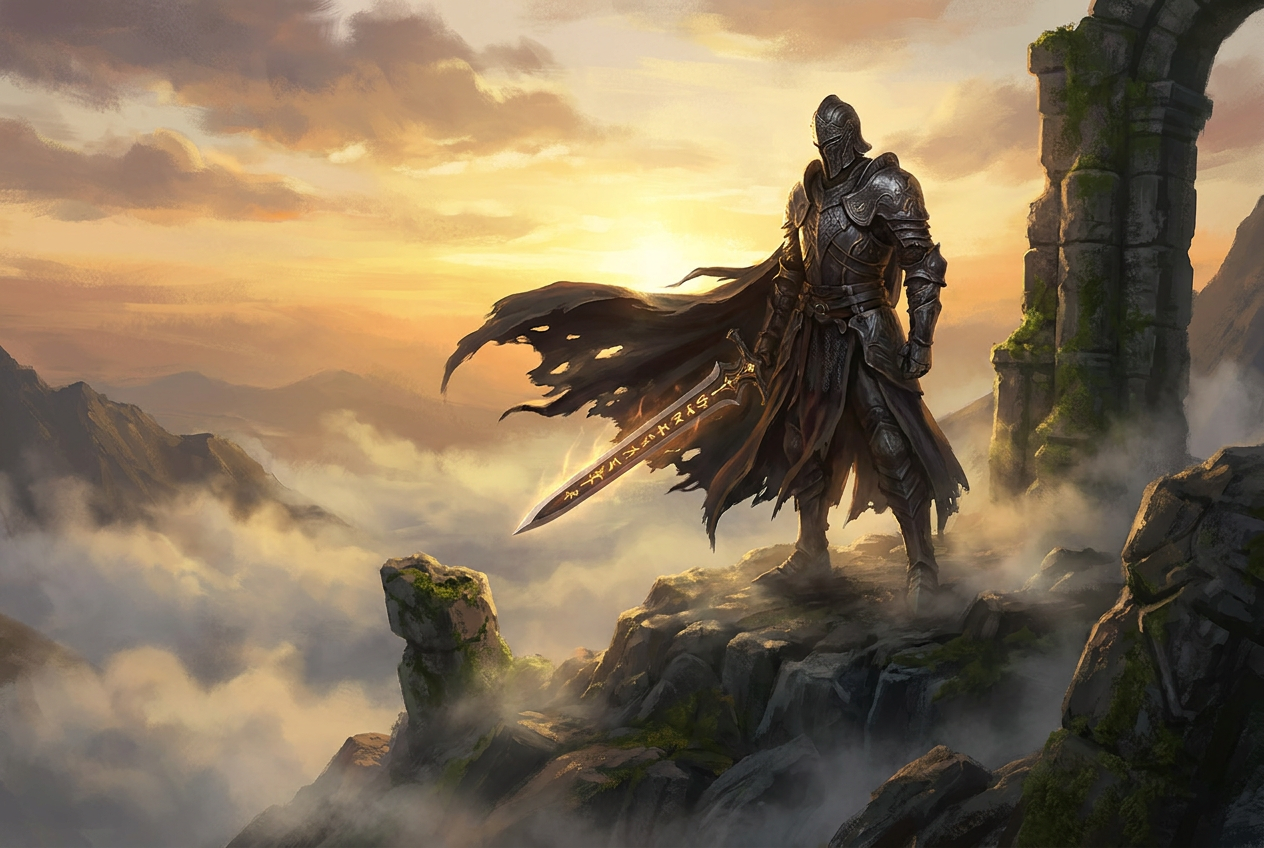
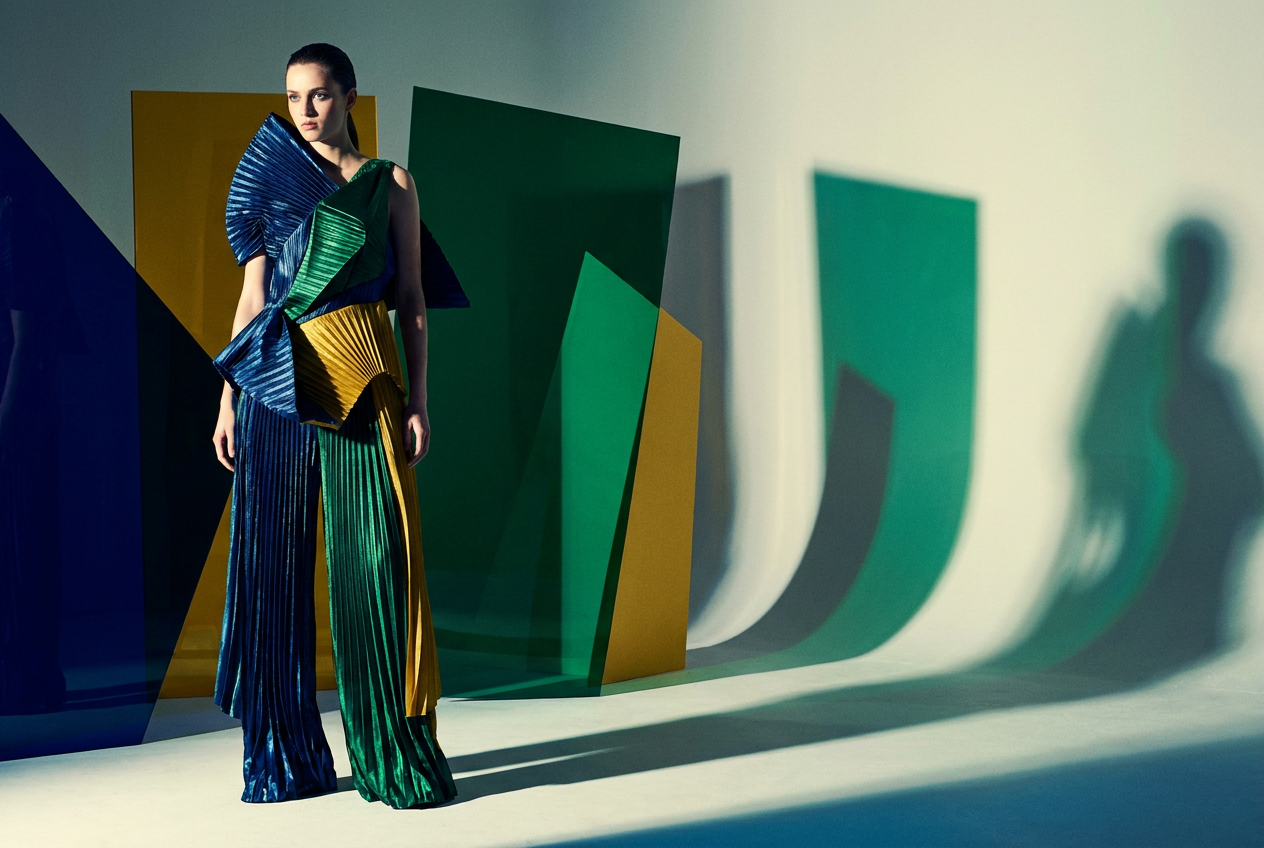
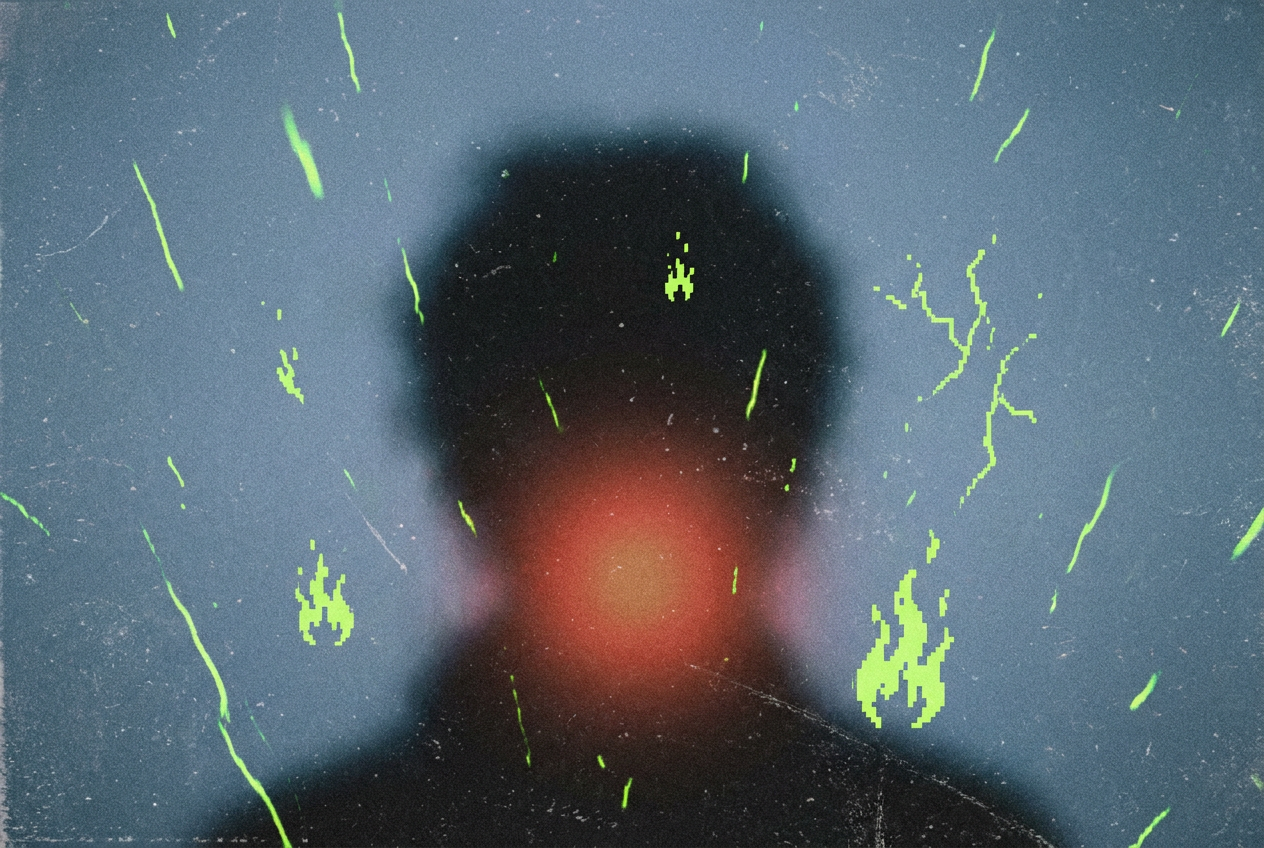
What Can You Make with Social Video AI?

A Practical Social Video AI Workspace
Start from words or an image, choose a supported frame, and take your finished clip into the next stage of production.
Input Options
2
Text prompts or reference images
Vertical Format
9:16
Compose for mobile viewing
Video Downloads
MP4
Continue in your preferred editor
Social Video AI Plans and Pricing
Choose a credit plan for Social Video AI. Generation costs vary by model and settings; review the amount shown in the workspace before starting.
Free
Explore the workspace and available generation tools
- 16 credits per month
- Up to 5 high quality AI image generations per month
- Standard Quality Images
Great for exploring!
Professional
For serious creators who need professional features
- 500 credits per month
- Up to 166 High quality AI image generations per month
- Up to 50 AI video generations per month
- Advanced Quality
- Every image you generate is 100% watermark-free
- Commercial use license
✓ Cancel anytime — no questions asked
Enterprise
For studios and teams creating at scale
- 5000 credits per month
- Up to 1666 High quality AI image generations per month
- Up to 500 AI video generations per month
- Advanced Quality
- Every image you generate is 100% watermark-free
- Commercial use license
✓ Cancel anytime — no questions asked
Model credit costs
With a reference video, credits are charged on output duration plus the total reference-video duration.
Prompt Ideas to Try in Social Video AI
These example briefs are starting points, not customer reviews or promises of a particular result. Adapt the subject and movement to your own project.
A Product Reveal
A glass perfume bottle on a pale stone pedestal. Soft daylight, a subtle reflection, and a slow camera push toward the bottle. Keep the composition simple.
A Cafe Moment
A warm cafe counter at sunrise, steam rising from a fresh espresso. A slow sideways camera move reveals a pastry beside the cup.
A Travel Scene
A coastal path above a calm blue sea. Tall grass moves in a light breeze as the camera moves gently forward. Natural afternoon light.
An Illustrated World
A tiny paper boat floats through an illustrated city after rain. Gentle ripples, warm window lights, and a fixed low camera angle.
A Fashion Detail
A close-up of fabric on a mannequin, with a soft breeze showing the texture. Neutral studio background and one slow camera pan.
A Story Opening
A small observatory on a snowy hill under a starry sky. Warm light appears in one window as the camera slowly pulls back.
Social Video AI: Frequently Asked Questions
Understand inputs, formats, credit costs and the steps between a generated clip and a finished social post.
What is Social Video AI?
Social Video AI is a browser-based tool for creating short video clips from text prompts or reference images. Choose a supported model and output format, generate a scene, then preview and download it for use in your social content workflow.
Can I make videos for TikTok, Reels and YouTube Shorts?
Yes. Social Video AI offers 9:16 generation with supported models for vertical compositions. Review the output, add any captions, narration or finishing edits you need, and upload it yourself. There is no automatic social publishing or scheduling in this workspace.
How do I turn an image into a video?
Choose image-to-video in Social Video AI, upload a supported reference image and describe the movement you want. Select the available settings, check the credit cost and generate. Image references guide the result but do not guarantee exact product details or identity preservation.
Is Social Video AI free, and how many credits do I need?
You can explore the interface before subscribing. Generations require a signed-in account and enough credits for the chosen model and settings. Check your current balance and the displayed generation cost; a free credit balance may not cover every video model.
Does it add captions, music or publish my videos?
Social Video AI focuses on generating video clips. Audio options depend on the selected model. For reliable captions, logos, music choices and a multi-scene edit, download the result and finish it in your usual editor. Check the destination platform’s requirements before posting.
What should I check before commercial use?
Review the applicable plan terms and model-provider conditions. Use source images, trademarks, music and likenesses only when you have the necessary rights. Inspect generated content for errors and follow any disclosure requirements of the platform where you publish.
Make Your Next Clip with Social Video AI
Bring one idea or reference image. Choose your format, review the generation cost and create a clip you can build into your next social post.
Contact Social Video AI
Have a question about Social Video AI, your credits or a generation? Contact our team.